
The Affinity Plus Youth Banking App. For Kids & their parents.
Where your kids can learn about money and practice good habits, all with your help.

Easy Learning for kids
Practice Loans
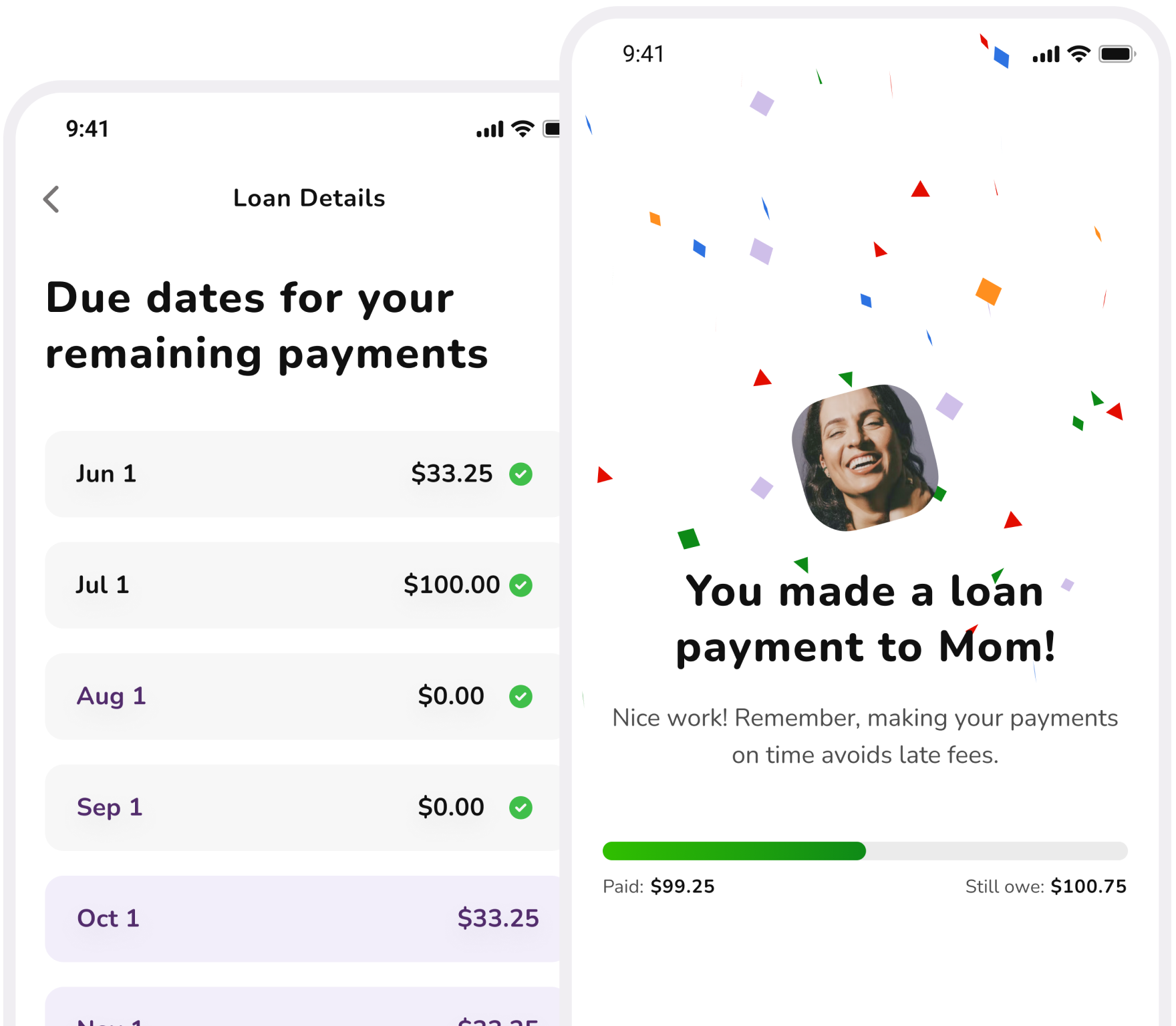
To help your child practice paying bills, you can request monthly payments from them.
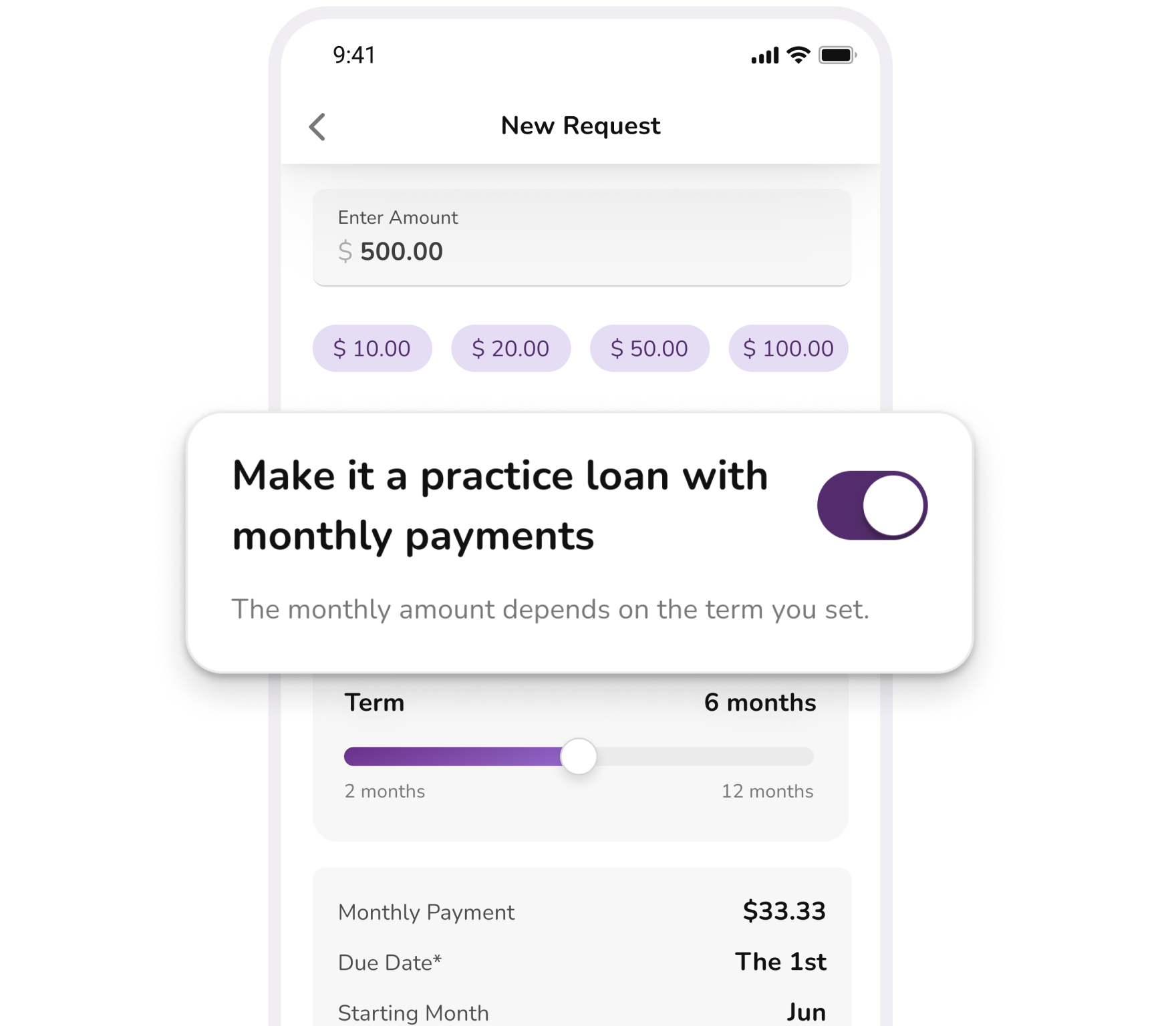
They’ll have due dates and even late fees (owed to you, not Affinity Plus).
Educational Videos
Kids can learn about banking and smart money habits.
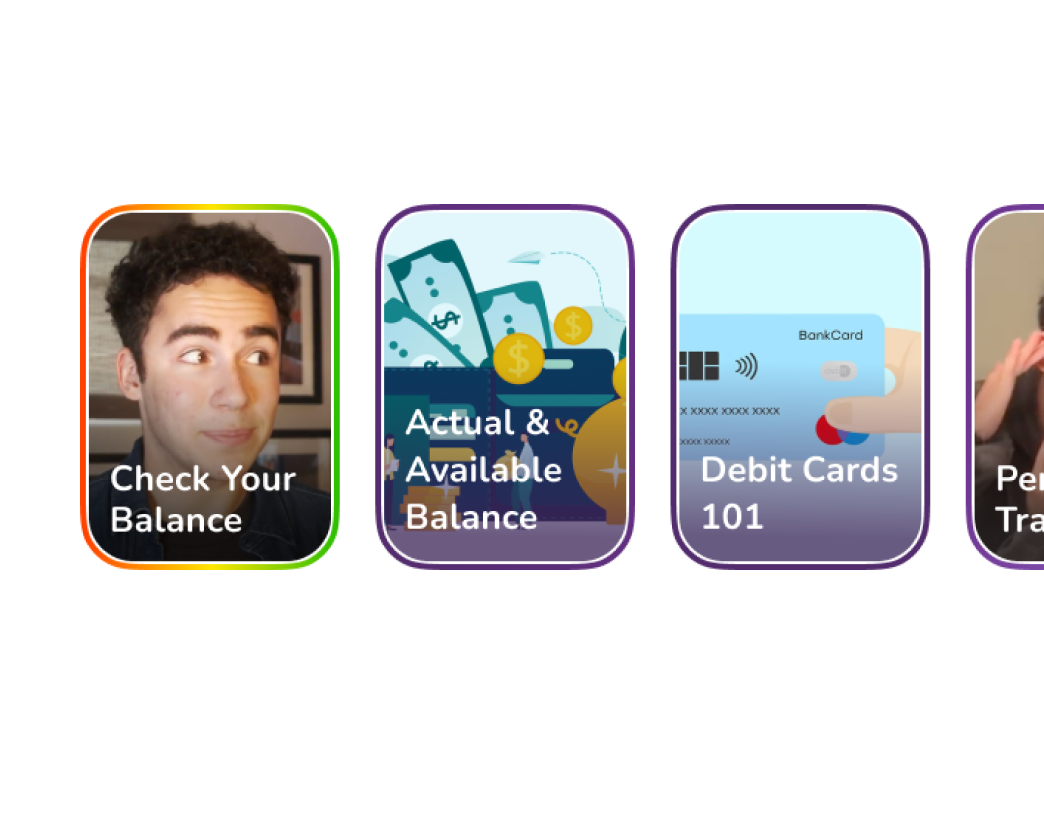
And recaps help the lessons stick.

New
Goals
- Parents can create goals for their kids to help them practice saving.
- Kids can transfer money into the goals, and watch their progress.
- Parents can contribute to the goals, too, if they want.

Easier life for everyone
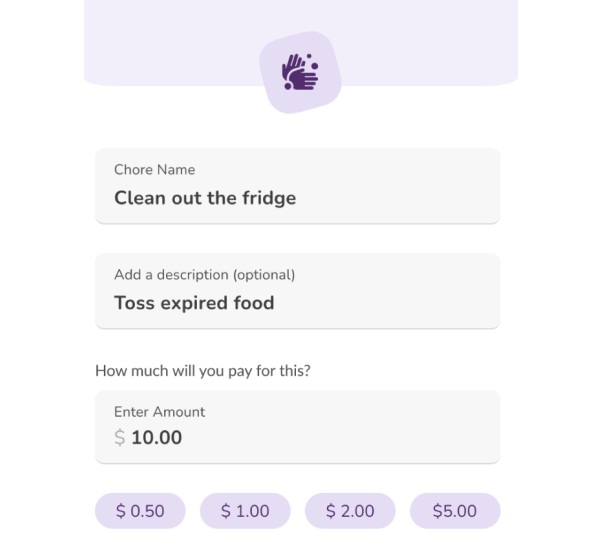
Chores
Assign chores to your child, track their progress, and pay when they’re done.

Freeze Their Debit Card
Both you and your child can freeze their debit card if they misplace it, then unfreeze it when they find it.
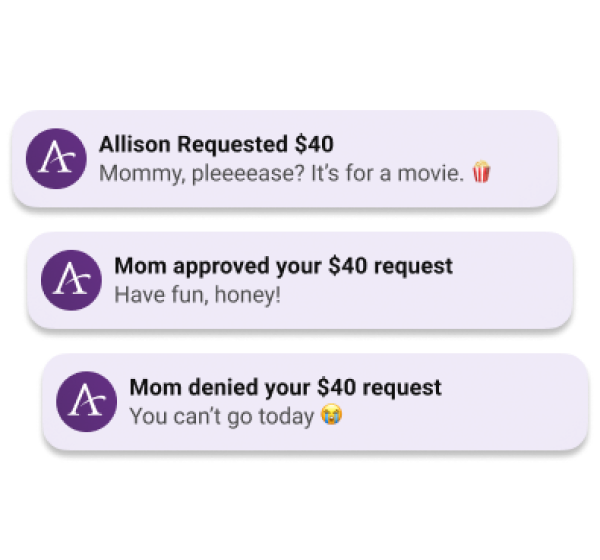
Quick Communication
With push notifications on, you’ll know right away when your child requests money. And you can include notes when you transfer to them, or when you say no.
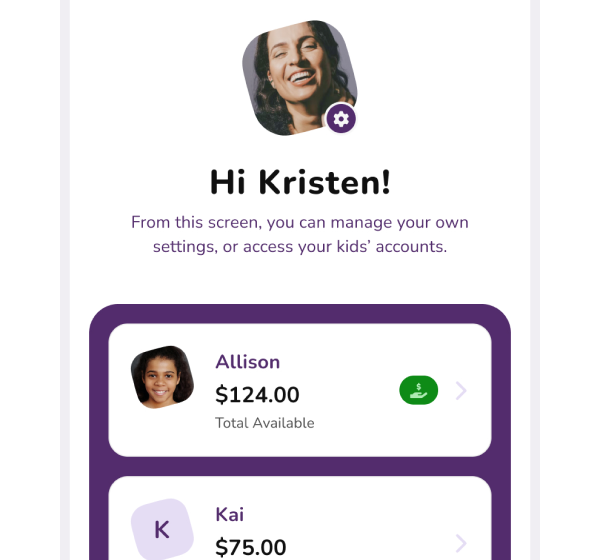
Account Awareness
One parent can link to multiple kids in the app, and check all their balances and transactions.

Easy Transfers
You and your child can easily transfer to each other, and between your child’s Affinity Plus accounts.
To get the app
What both you & your child will need
- Your own mobile phones with separate numbers (for multi-factor authentication)
- Your own separate email addresses (to register for the app)
- Affinity Plus memberships
If your child doesn't have a membership yet: You can open one over video banking, or at one of our branches. Please note that we’ll ask for a copy of your child’s birth certificate and social security card.
Download the app on both phones
You’ll both download the Affinity Plus Youth Banking app to your phones (it’s not available for tablets).
FIRST, the parent registers
After downloading the app on both phones, you (the parent) will register on your own phone FIRST, before your child registers on theirs. This is because you’ll get a Parent Code that they’ll need.
THEN the child registers (on their own phone)
After you register on your phone and get the Parent Code, your child will register on THEIR phone. You can register for them, but it has to be done on their phone.
Now you’re both set!
Get ready for easy transfers, account awareness, chores tracking, goal setting, and good talks about money!


Why this family banking app?
Some families use similar banking apps for transfers and chores, but many of those apps charge a monthly fee. And the Affinity Plus Youth Banking app is FREE for our members.