
YOUR DIGITAL BANKING UPGRADE IS COMING SOON.
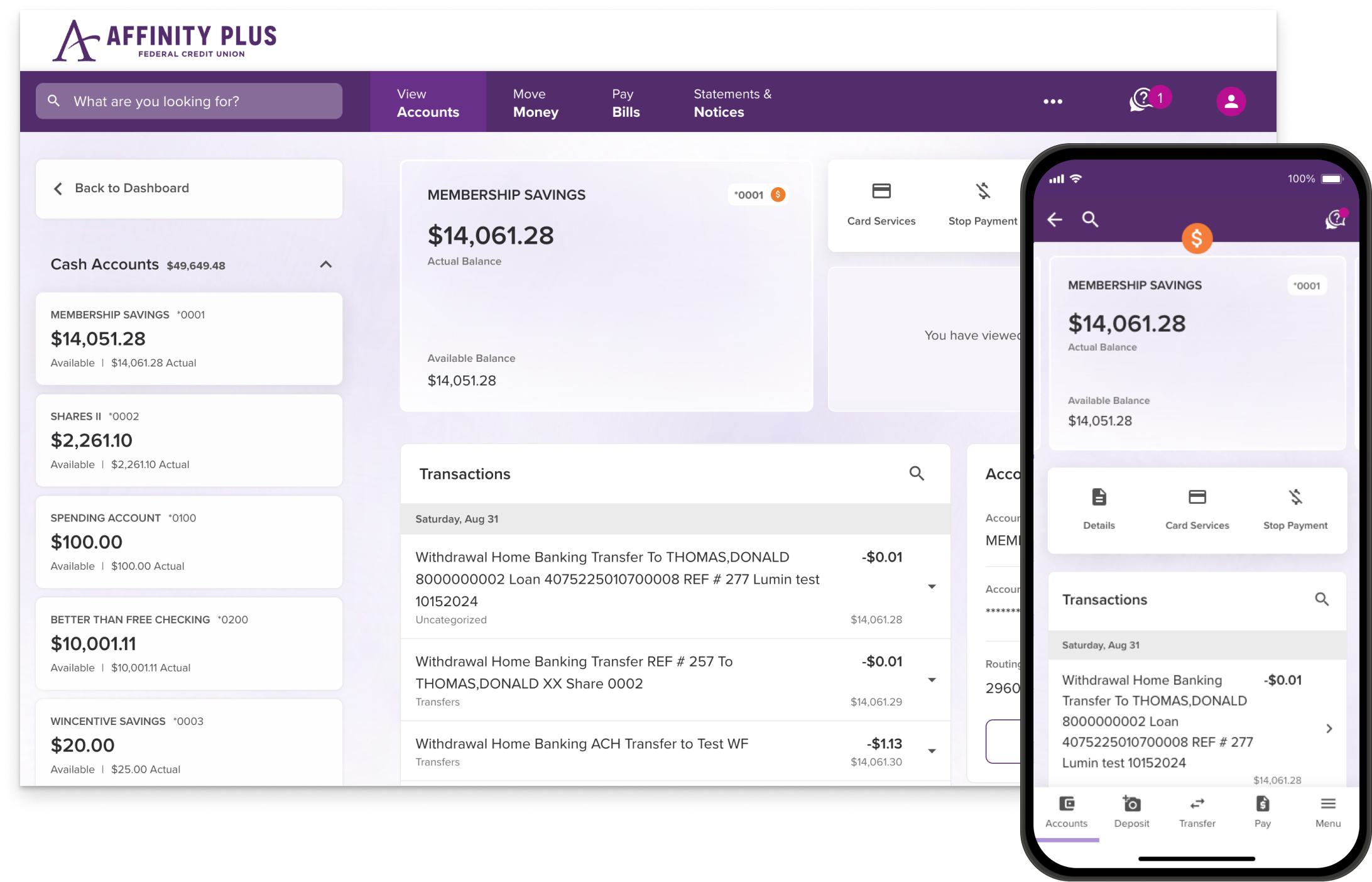
Get ready for better features, more security options, and a brand new look in Affinity Plus digital banking. And know what to expect the first time you log in.
Expected in early 2025

How to log in the first time
There’s some info from the current digital banking system that you’ll want to get and jot down before the upgrade. What you’ll need depends on your situation.
If you're a foreign student or international member, please contact us to get set up — we'll just need a bit of extra information.
Personal – Primary Owner
You’ll log in, and you’ll need to know your current Username.
Then enter your:
- Current Password
- Social Security number (last 4 digits)
- Date of Birth
- One-time passcode that you’ll get
After accepting the Terms & Conditions:
- Create a new password
Personal – Joint on the Membership
Joint owners on the whole membership (not just a specific account or loan*) will register as a new user. You’ll create your own login info, and you’ll need to know your Member Number.
And then:
- Enter the one-time passcode that you’ll get
- Accept the Terms & Conditions
- Create your own Username and Password
* IMPORTANT: Joint owners NOT on the whole membership by the time of the Upgrade won’t be able to access the new system. Learn how to add Joint owners to a membership
Business
All Owners and Authorized Signers will register separately, as new users. And you’ll need to know your Member Number.
After registering, each Owner and Authorized Signer will:
- Enter the one-time passcode that you’ll get
- Accept the Terms & Conditions
- Create their own new Username and Password
New for Business members: Owners and Authorized Signers will be able to give specific business account permissions to other staff members.
Specialty (Trust, Conservatorship, etc.)
Individuals (the Custodian, Trustee, etc.) will register as new users. And you’ll need to know your Member Number.
After registering
- Enter the one-time passcode that you’ll get
- Accept the Terms & Conditions
- Create a new Username and Password
Parent & Minor
The parent or guardian will register as a new user, because they’re the Joint owner on the membership.
The minor is listed as the Primary member.
- If they’re at least 13, they’ll log in using their credentials and follow the prompts to create a new password.
- If they’re under 13, they can’t register for digital banking (but their parent can).
Minor members, regardless of their age, can register for the separate Affinity Plus Youth Banking app.
What’s new
More Helpful Tools
We've added features to make managing your money easier than ever.
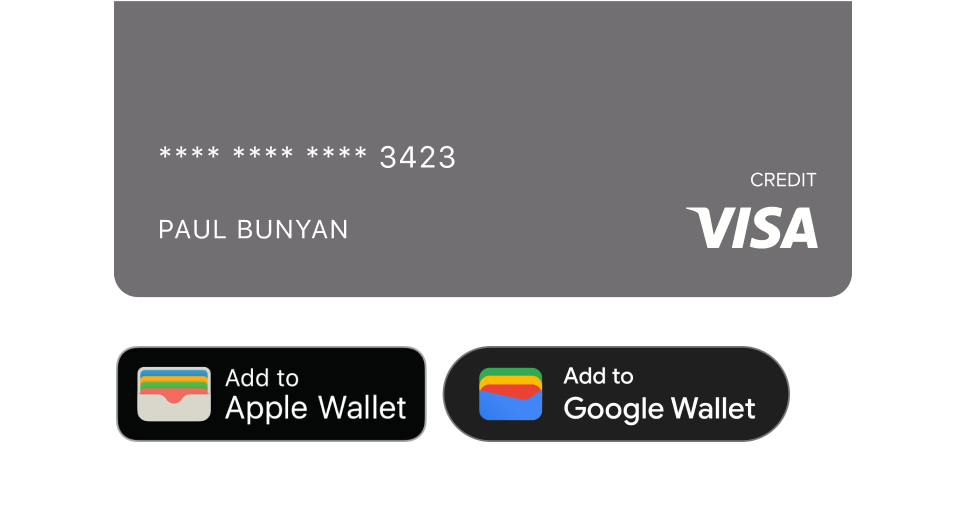
Digital Wallet
Add your card to your digital wallet for quick and secure payments on the go.
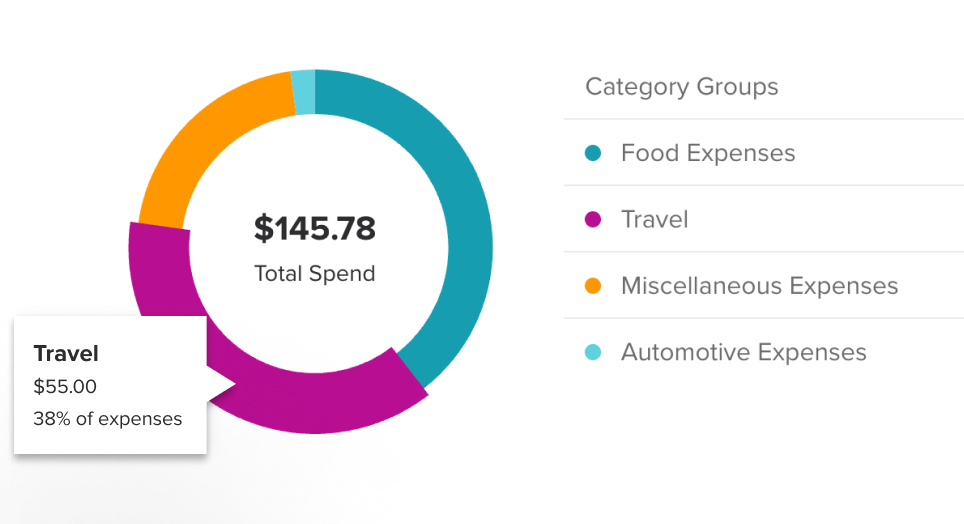
Spending Analysis
See how much you’re spending, and what you’re spending it on.
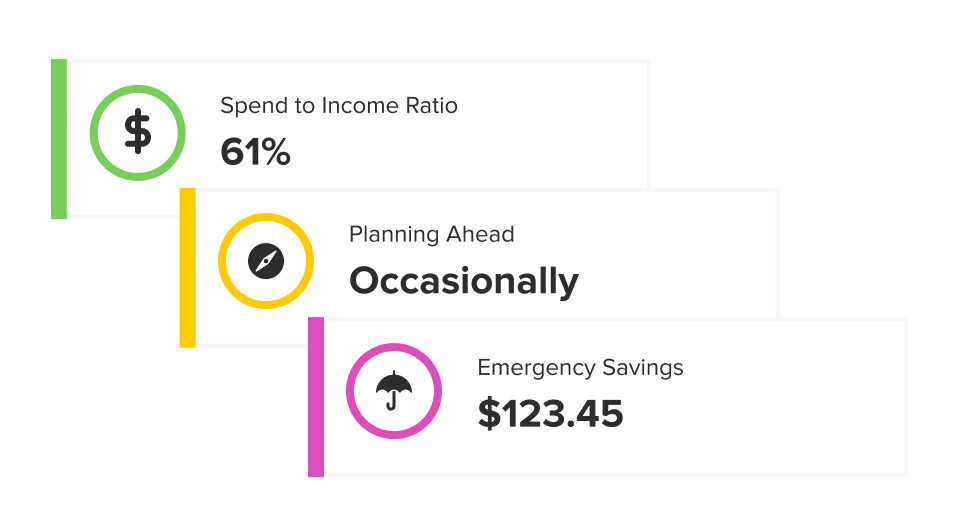
Financial Health Checkup
Get tips and guidance to help you reach your financial goals.
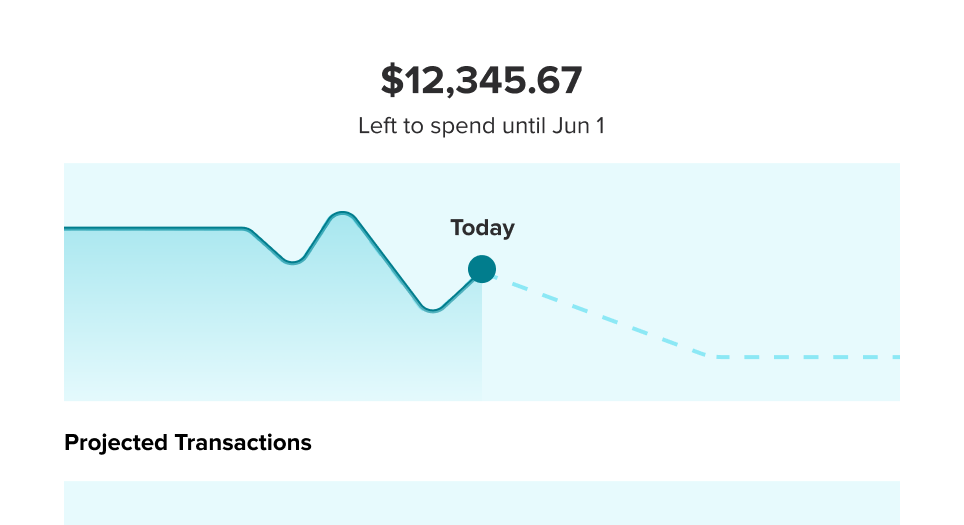
Spending Forcast
See how your available balance might be affected by upcoming transfers and bills.
More Security Options
Now you can choose from more multi-factor authentication (MFA) options and security alerts.
Separate Logins for Everyone
Everyone with access to your Personal or Business accounts will log in with their own Usernames and Passwords.

¿Habla usted español?
Choose Spanish as your preferred language in digital banking.
you’ll update your mobile banking app
Once the new version is available, you’ll update your current app to it. And you can do this in your app store.
Expected in early 2025

